AutoHotkey v2 Power Utility

Type with Confidence. Never Lose Focus.

CaretFocus (CaretIME) is a lightweight Windows utility that displays your IME status right next to your text cursor, switches input modes smartly with the Shift key, and keeps you in the flow with active line highlighting and zoom features.

CaretFocus Live Demo
IME: ON (あ)
Settings
ZOOM (F9)
...
123456

Click here and start typing in the simulator...

Notice how the indicator stays right next to your cursor.

Click the "Switch Mode" button (or tap your Left Shift key) to toggle between IME On and Off.

Try clicking the "Row Highlight" button to focus on the active row!

Use the settings panel on the left to customize the indicator instantly.

Features Built for Extreme Focus

Say goodbye to typing mistakes and distraction. CaretFocus keeps your eyes right where your thoughts are.

🎯

Caret-Following Indicator

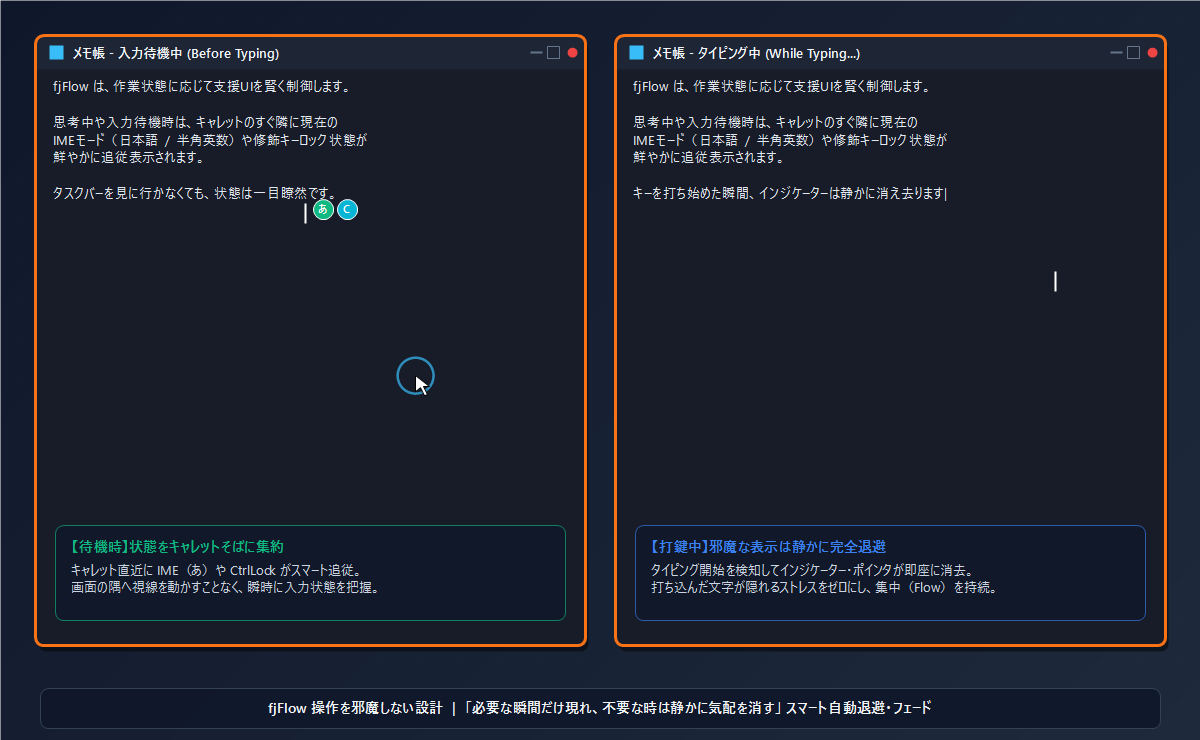
A customizable indicator (like ●) follows your text cursor to display the current IME/CapsLock status in real time.

Smart Shift switching

Tap Shift once to turn IME ON (Japanese), and double-tap to turn it OFF. Smooth switching designed for US keyboard users.

👁️

Active Line Highlight

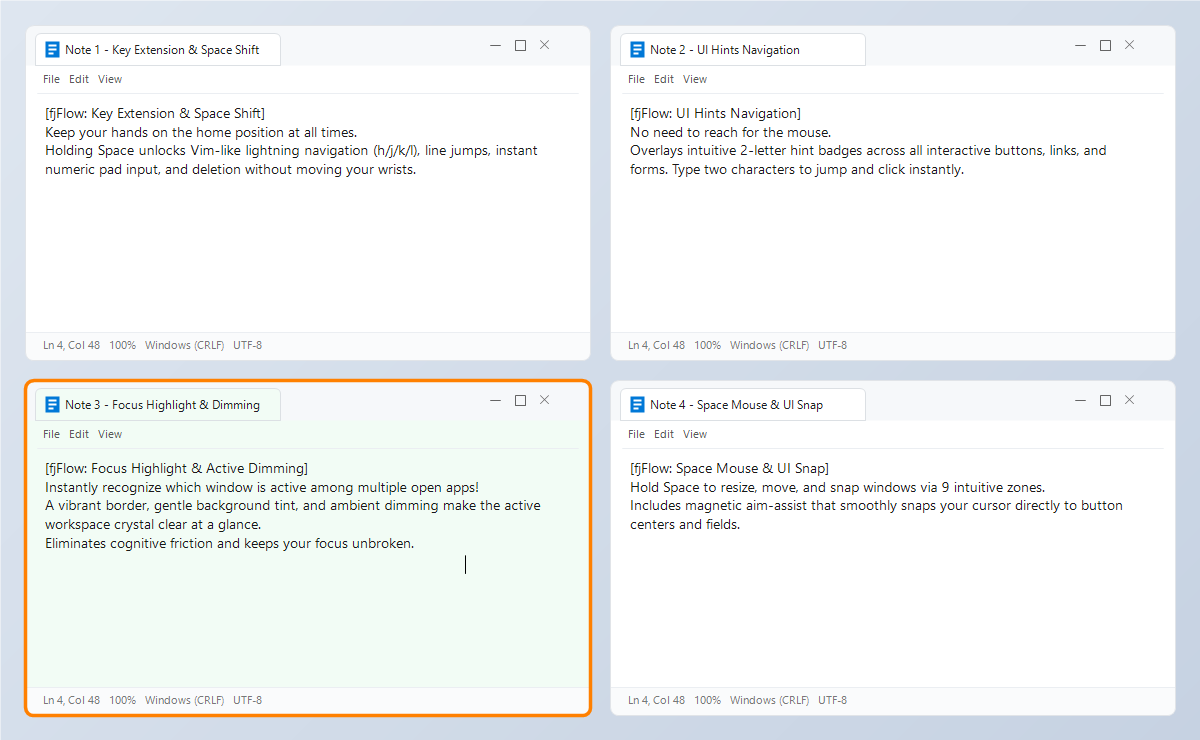
Press F8 to focus on the current line by dimming the rest of the screen. Ideal for long-form writing and coding.

🔍

Intelligent Zoom Window

Press F9 to magnify the area around your cursor in a dedicated band at the top or bottom of the screen with smart stabilization.

👻

Auto-Hide While Typing

The indicator disappears automatically when you type and reappears when you pause, keeping your text clean and readable.

🌐

Input Language Auto-Detection

Detects active keyboard layouts in real time (every 300ms) to localize settings or automatically disable Shift-based switching on non-JP layouts.

Accessibility & Productivity

Optimize Accessibility with Zoom & Highlight

Struggling with small fonts or keeping track of long lines? CaretFocus combines a stabilized loupe and high-contrast row masking to assist developers, writers, and individuals with visual impairments.

Loved by Creators, Coders & Writers

Discover how professionals use CaretFocus to enhance their daily workflow.

Boosting Accessibility with Zoom and Row Highlight

Visual assistance and row-masking benefits for seniors, low-vision users, and writers with ADHD to maintain extreme focus.

Read More

Eliminate Input Mode Errors During Coding

For programmers and software developers. Zero out full-width syntax errors and typos during typing to maximize your coding speed.

Read More

Smart IME Switching on US Keyboard Layouts

How to use the Shift key for rational and extremely comfortable IME control on English keyboard layouts without a dedicated 'Half/Full-width' key.

Read More

News & Updates

Stay updated with the latest releases, tips, and configuration guides.

Enhance your typing experience today

Free, open source, and lightweight. Runs on AutoHotkey v2.

Download Free (GitHub)