Focus Highlight
Four notepad windows are open side-by-side. Even though the text caret is in the bottom-left window, it is almost impossible to identify the active window instantly.
Focus Highlight
Focus Highlight highlights the currently active (focused) window by rendering custom borders or applying translucent background overlays, helping you identify the active typing target.
Visual Benefits (Before vs. After)
When working across multiple windows, standard Windows visuals make it difficult to determine which window holds keyboard focus. fjFlow’s Focus Highlight ensures you can instantly spot the active window and cursor position at a glance.
【Before】Without Focus Highlight (Standard Windows)
Four notepad windows are open side-by-side. Even though the text caret is in the bottom-left window, it is almost impossible to identify the active window instantly.
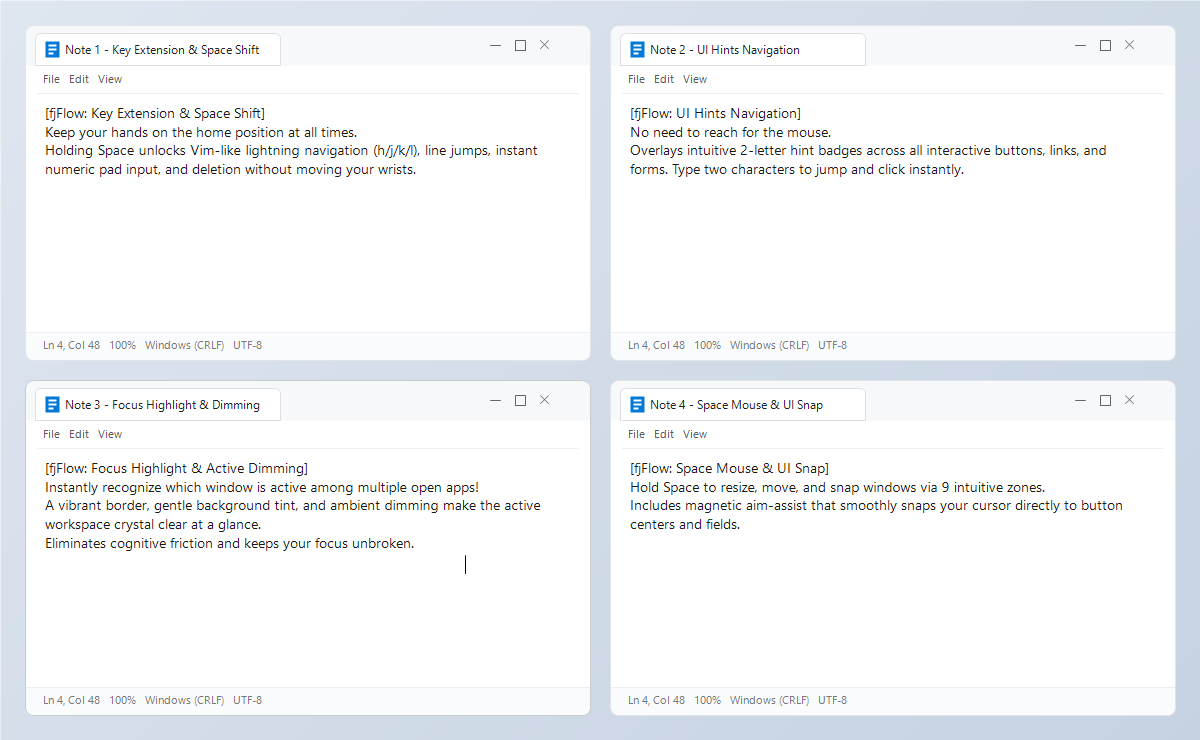
Figure: Without Focus Highlight - Lack of visual distinction causes hesitation and accidental typing
【After】With Focus Highlight (fjFlow Active)
The bottom-left window is highlighted with a vivid orange border + soft emerald-green tint, making the active typing context unmistakably clear.
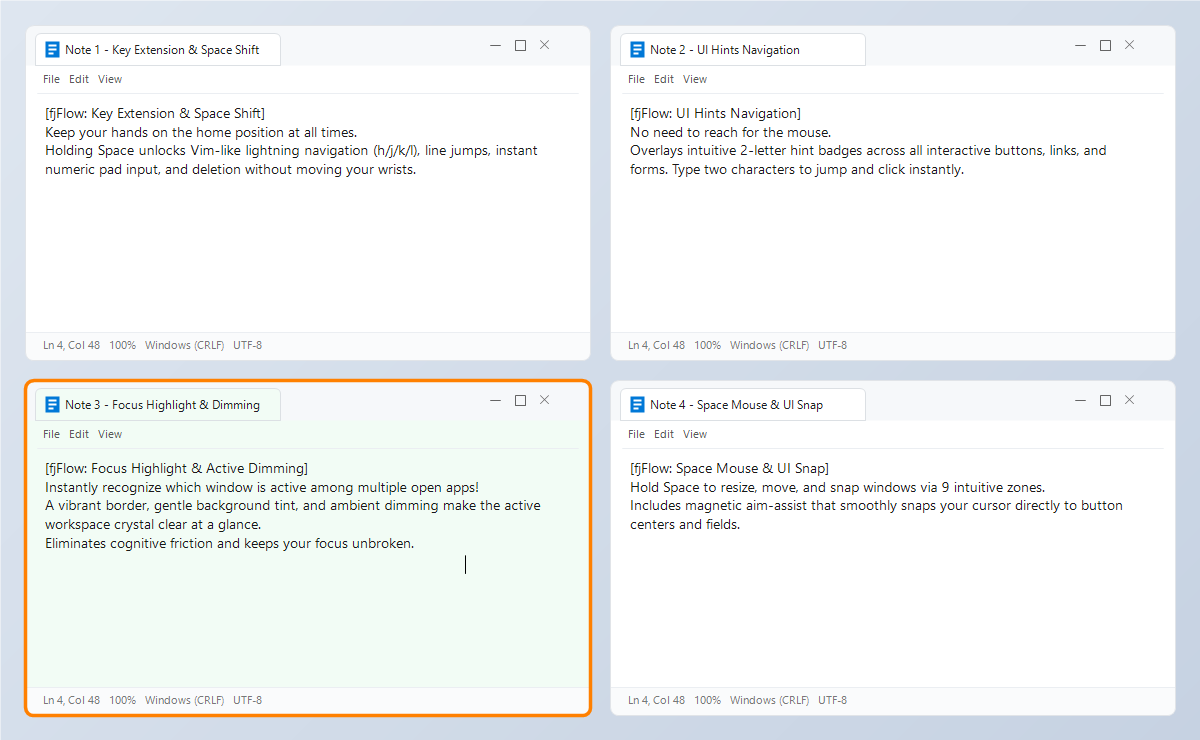
Figure: With Focus Highlight - Active window is immediately identified via distinct border and subtle tint
【Highlight】With Ambient Dimming Enabled
All background screen areas outside the focused window are darkened with a translucent black overlay, making the active window pop forward with unmatched clarity. Eliminates cognitive friction and keeps your focus unbroken.
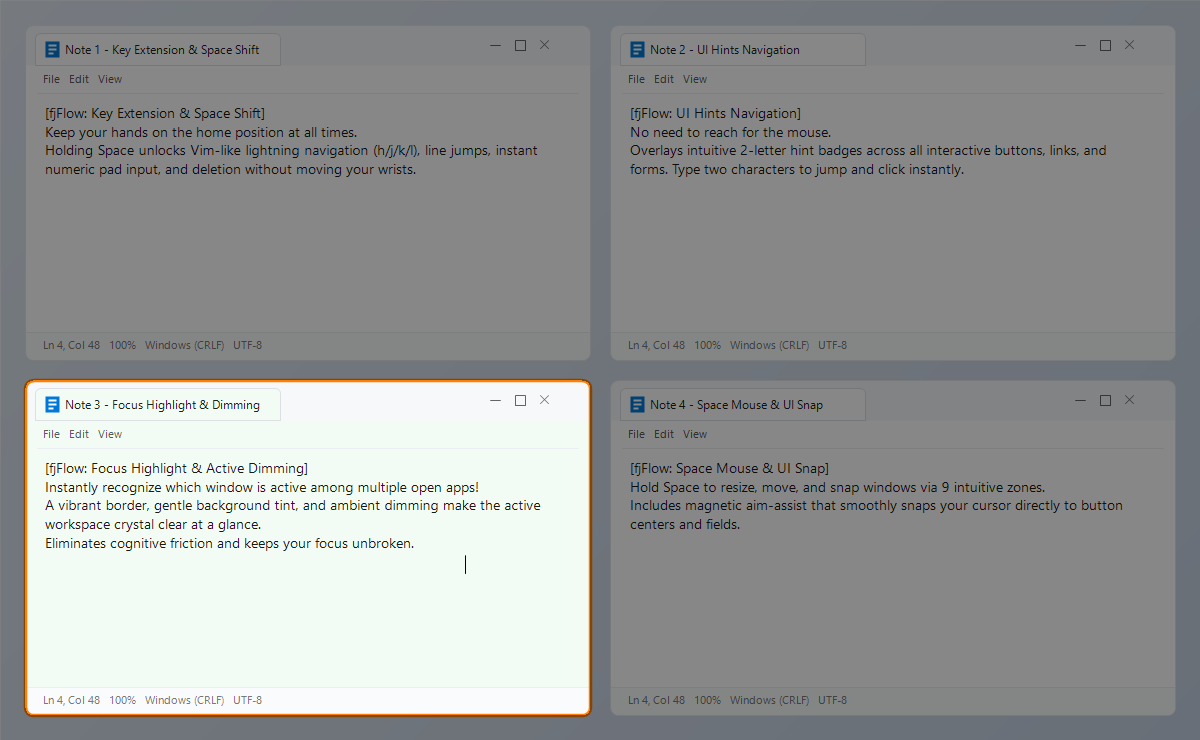
Figure: With Ambient Dimming - Background dimmed to enhance focus on the active window
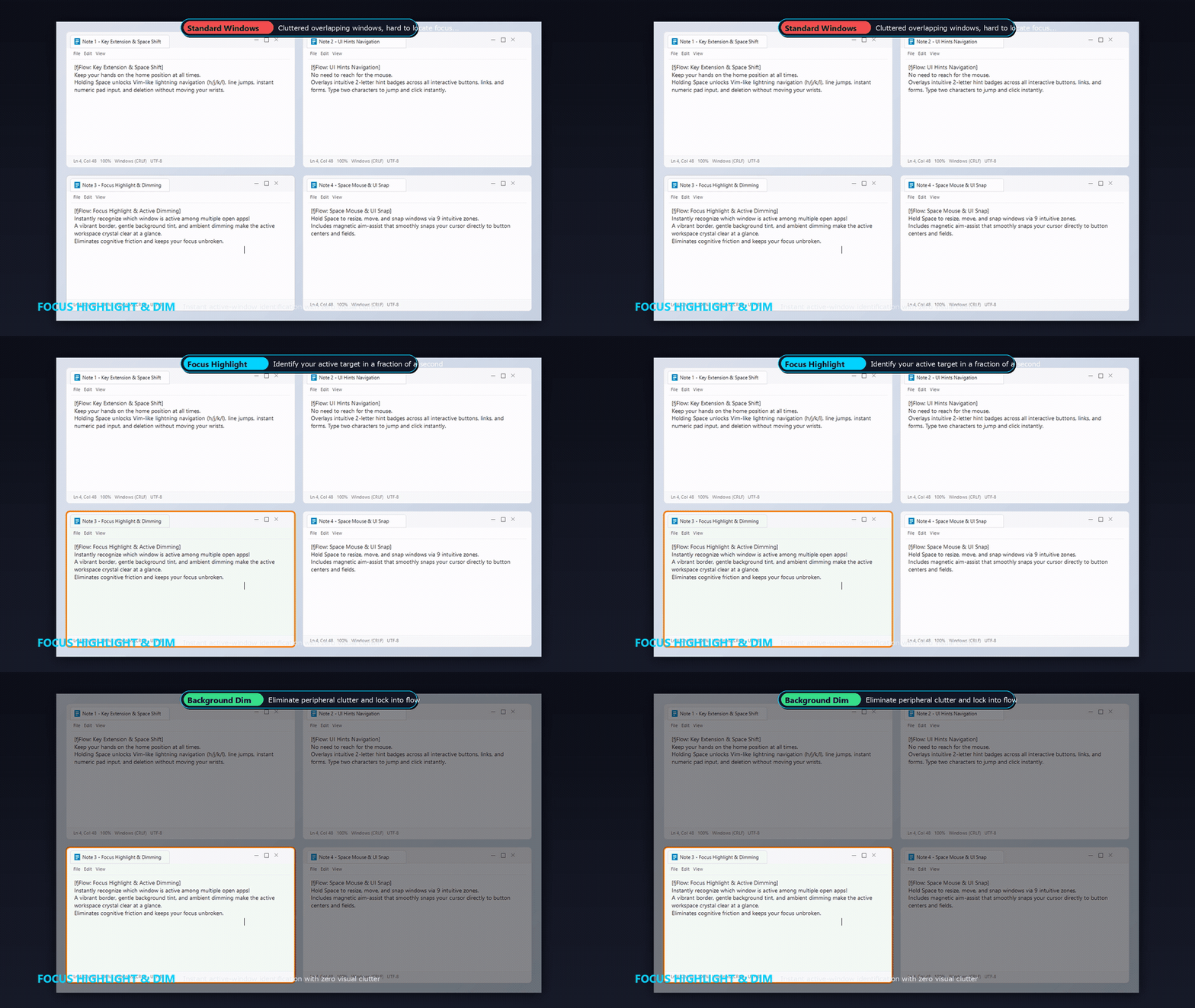 Figure: Live animation showing active window border tracking and background dimming across multiple windows.
Features
- Independent Borders, Background Fills, and Dimming:
- Border Highlight: Renders a color border around the active window with custom thickness (px) and opacity.
- Background Fill: Applies a subtle translucent color overlay over the entire window area.
- Highlight Focus (Background Dimming): Dims all screen areas outside the focused window with a configurable opacity slider (0-255, where 0 is fully transparent and 255 is solid black).
- All components can be enabled or disabled independently.
- Flicker Protection:
- If the caret is temporarily lost (e.g. during dialog popups or window transitions), the utility maintains focus tracking on the active window, preventing highlight flashing.
Two Color Modes
You can configure the highlight colors using two distinct modes:
1. User-Defined Mode (IME Linked)
- Adjusts border and fill colors based on your current IME or CapsLock states.
- For example: orange (warning) when IME is On, and light green (neutral) when IME is Off.
2. System Monitor Mode
Fetches system load statistics at 1-second intervals, dynamically updating the highlight colors:
- Border Color (CPU Linked):
- Gradients dynamically from Green (low usage) -> Yellow -> Orange -> Red (high usage) based on active CPU load.
- Background Fill (RAM Linked):
- Adjusts the transparency or color depth based on physical RAM consumption.
Breathing / Blink Effects
For higher visibility, you can toggle breathing animations (“Blink Focus Highlight”) in the settings GUI:
- Fine-tune the fade breathing speed using a slider (0 to 255).
- When both borders and fills are active, their breathing animations synchronize automatically.